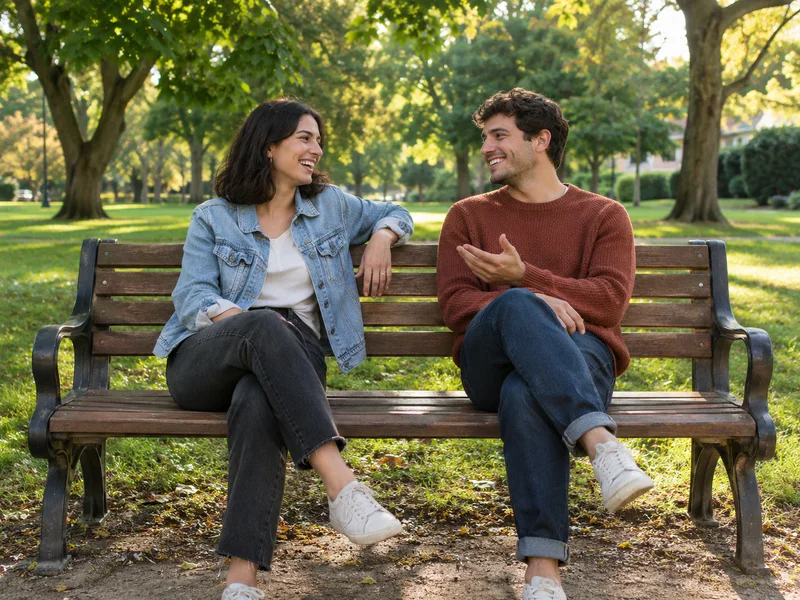
Put Two People in One Photo
Got a good photo of each person? Use both to make the picture you never got to take together.
Illustrative examples
Got a good photo of each person? Use both to make the picture you never got to take together.
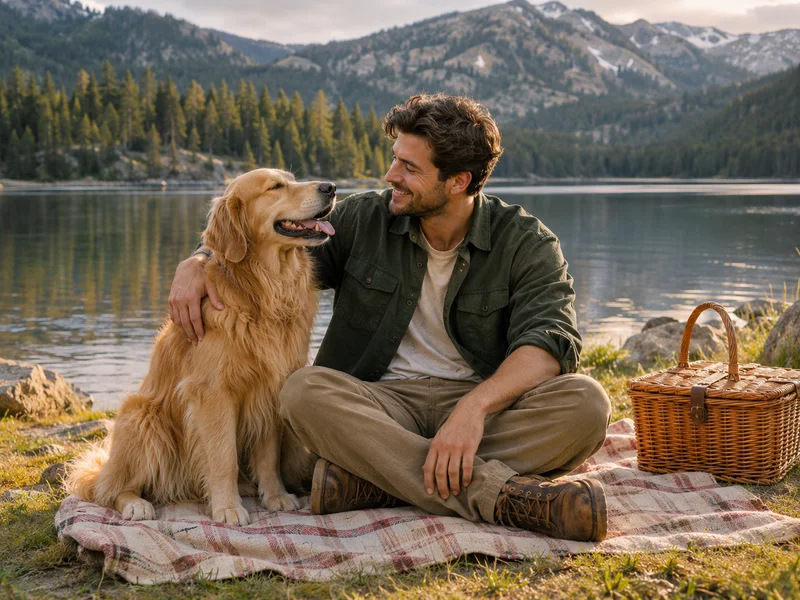
Bring a person, a pet, and a favorite spot together in one picture.
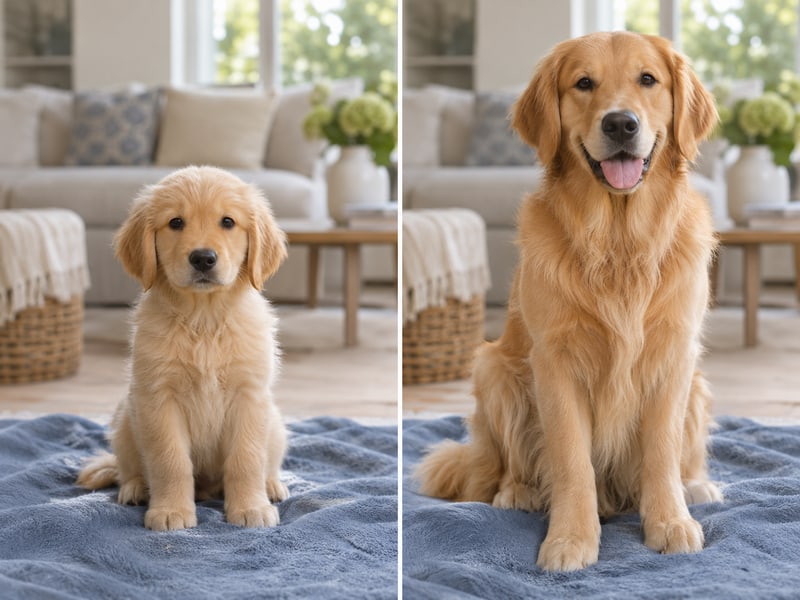
Ask for a straight split down the middle to compare two moments in one frame.
Upload two to four JPG, PNG, or WebP files from your phone or computer.
Write a sentence like “Put us on the same bench in afternoon light.”
Pick a square, portrait, or landscape ratio to fit where you’ll use the photo.
Select Generate image, check the result, and download the PNG.
The model redraws the scene around your reference photos so the subjects can share the same light and background.
Name who goes where and what details should stay, like the red jacket or the dog’s markings.
Download the PNG without an iaimage logo stamped on it.
Save the full PNG. Square generations are about 1,024 × 1,024 pixels.